Cut and finish the film
on one timeline.
Cut the scene, then grade and mix it in the same project. Every decision stays in one place until the final frame.
cinemaOS Sequencer


Cut the scene, then grade and mix it in the same project. Every decision stays in one place until the final frame.
Make the long cut and the vertical teaser from the same project. The grade and the titles carry over to every format.

Shape contrast and film character against the actual cut. When the edit changes, the grade follows it.

Turn a frame into key art. Build the titles and the poster around the same visual idea. Atelier keeps design inside the studio.

Bring the same care to a single image. Develop the photograph and compare the look before and after, without leaving the project.

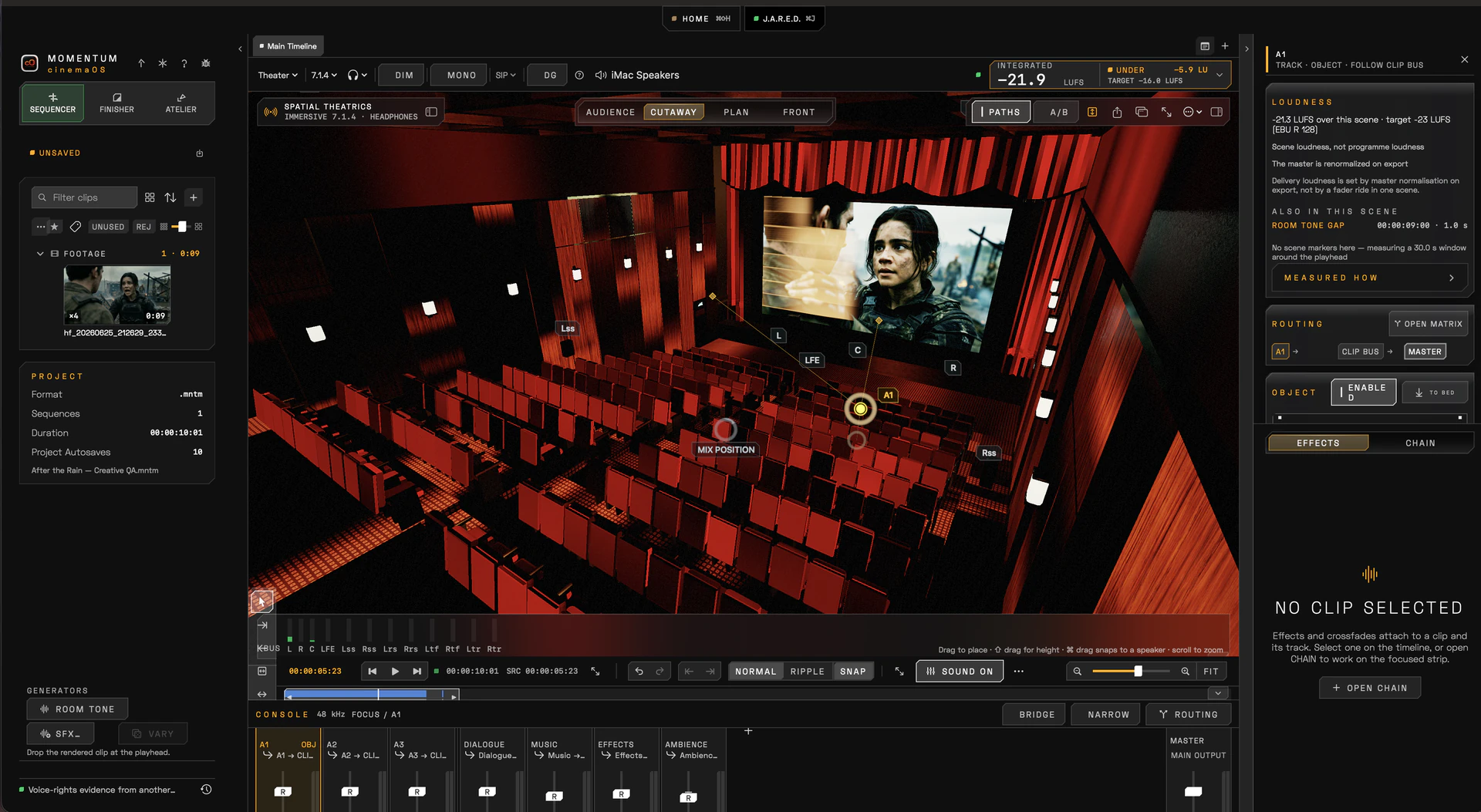
Make a track an object, place it in the room and move it through the scene while the picture plays. Buses, levels and scene loudness run live.
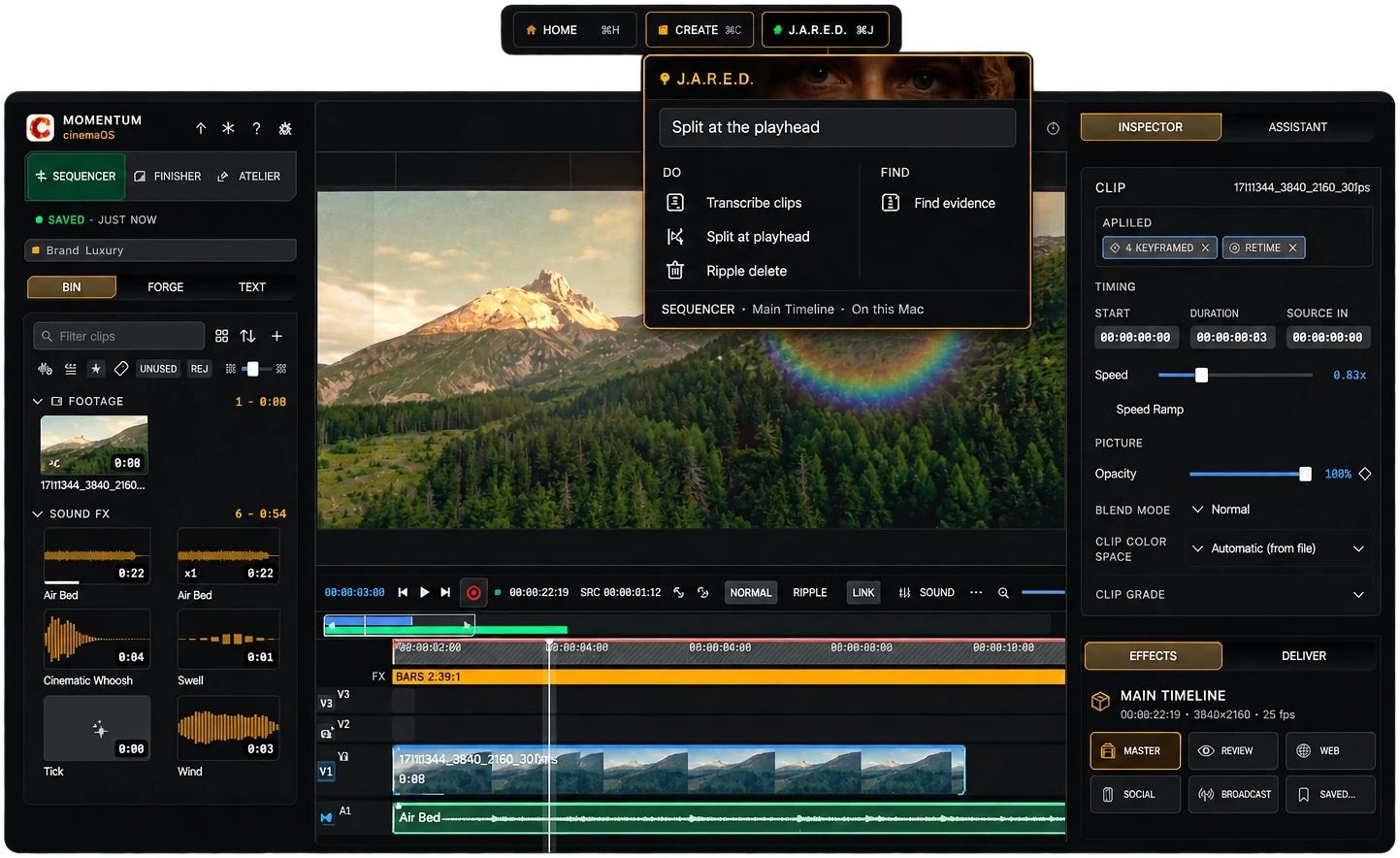
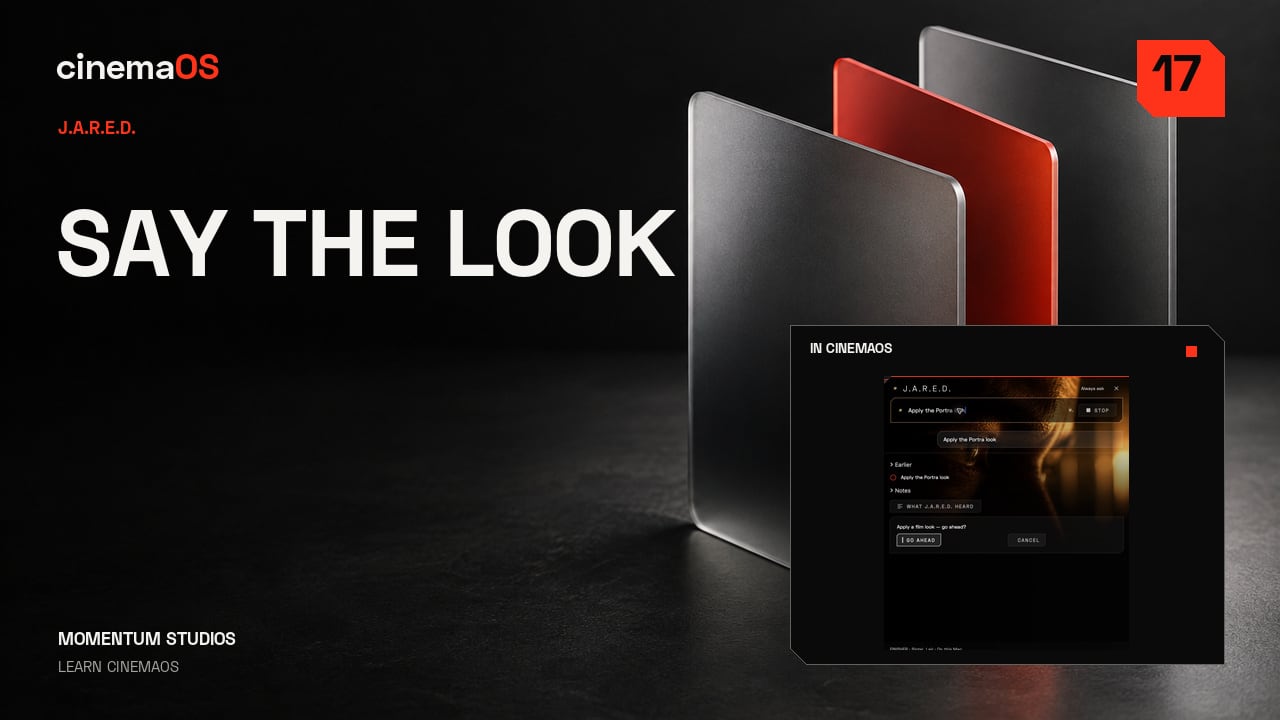
J.A.R.E.D. runs on your Mac and opens with Command J. Describe an edit in a sentence and it shows you a plan first: transcribe clips, split at the playhead, ripple delete, carry out a design instruction. You approve it before anything changes, and it needs no credits.
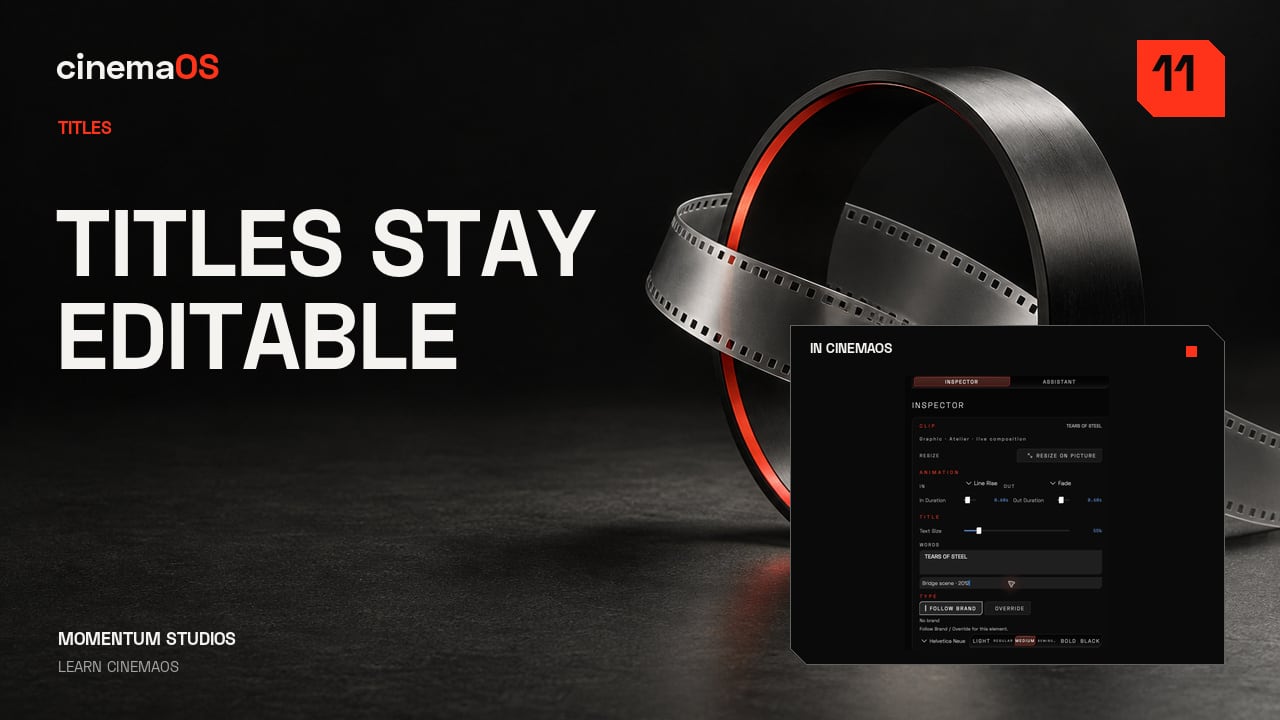
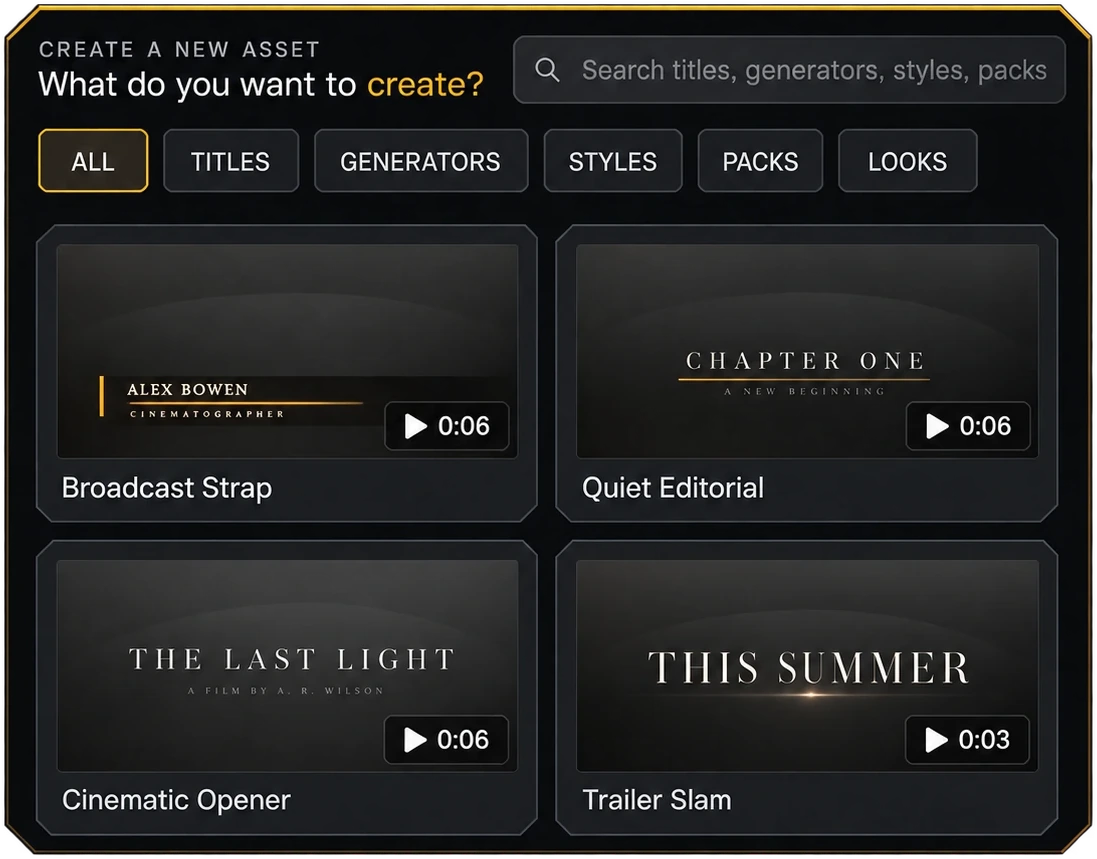
Create is one gallery for titles, generators, styles and packs. Pick a template and it lands on your timeline as live text, so you can change the words, the font and the timing afterwards.
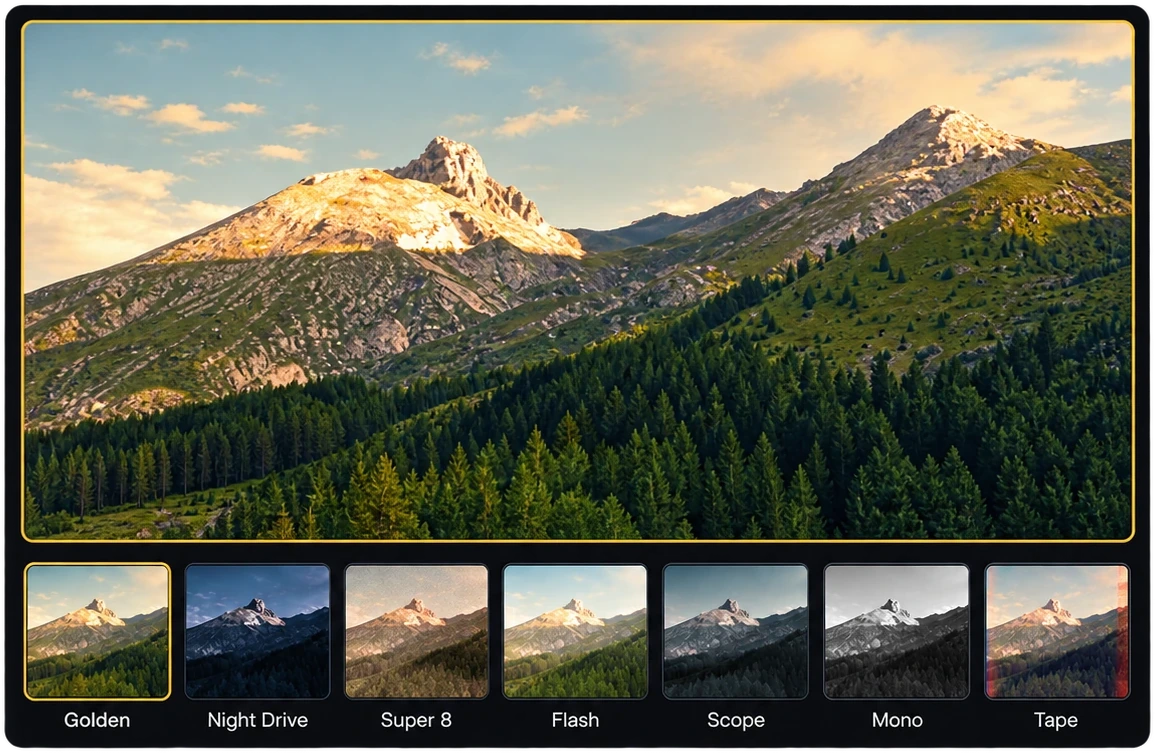
Seven film looks ship with cinemaOS: Golden, Night Drive, Super 8, Flash, Scope, Mono and Tape. Each one is a starting point in the Finisher, so you can keep adjusting the grade underneath it.
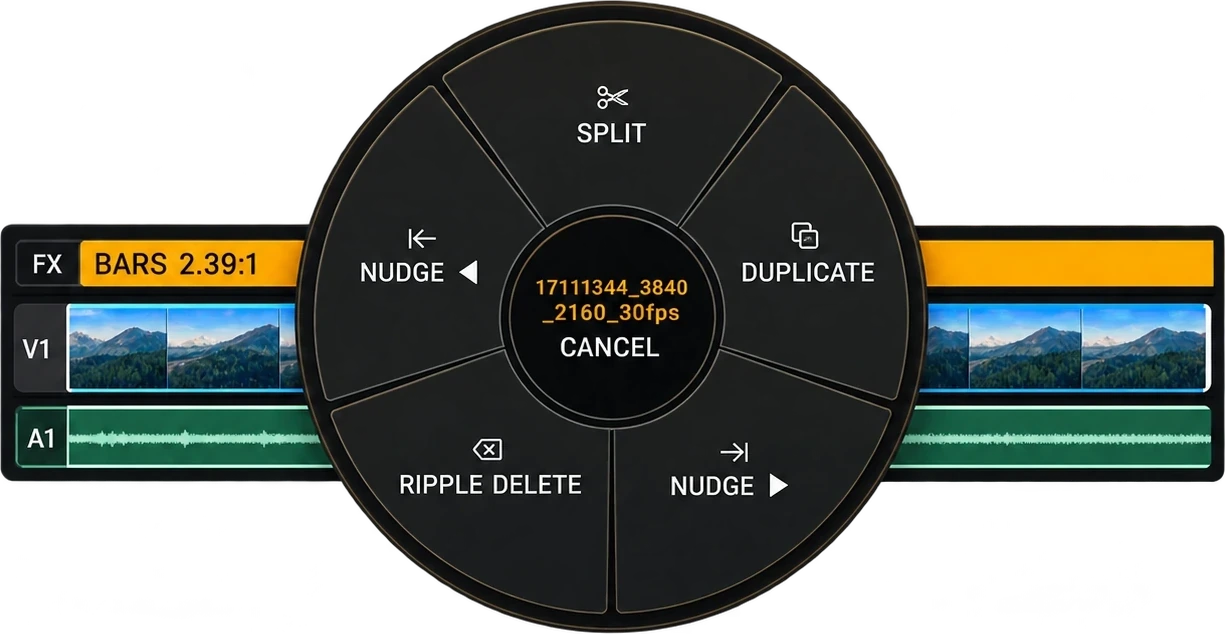
Press and hold on a timeline clip and the Momentum Dial opens at your pointer. Release on a slice to Split, Duplicate, Nudge left or right, or Ripple Delete, without leaving the selection.
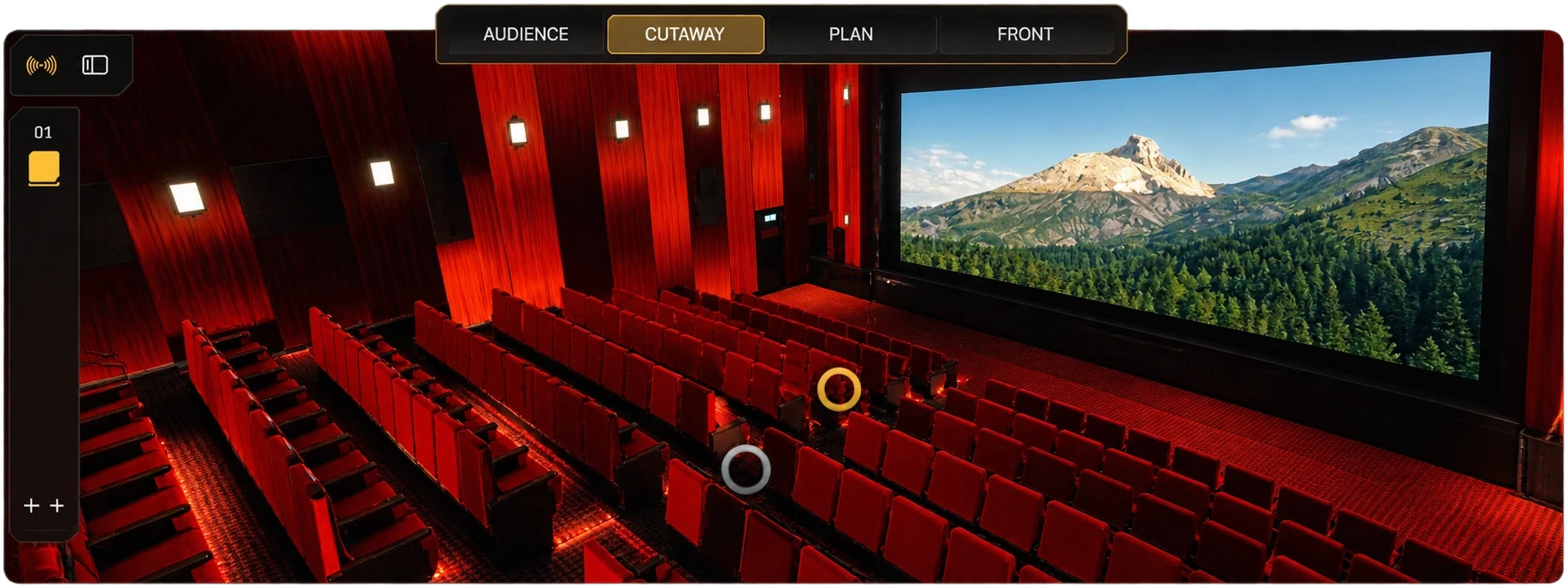
Open Sound mode and the mix becomes a theater. Tracks become objects that you place in the room and move through the scene while the picture plays, with dialogue, music, effects and ambience buses, and scene loudness measured against your target.
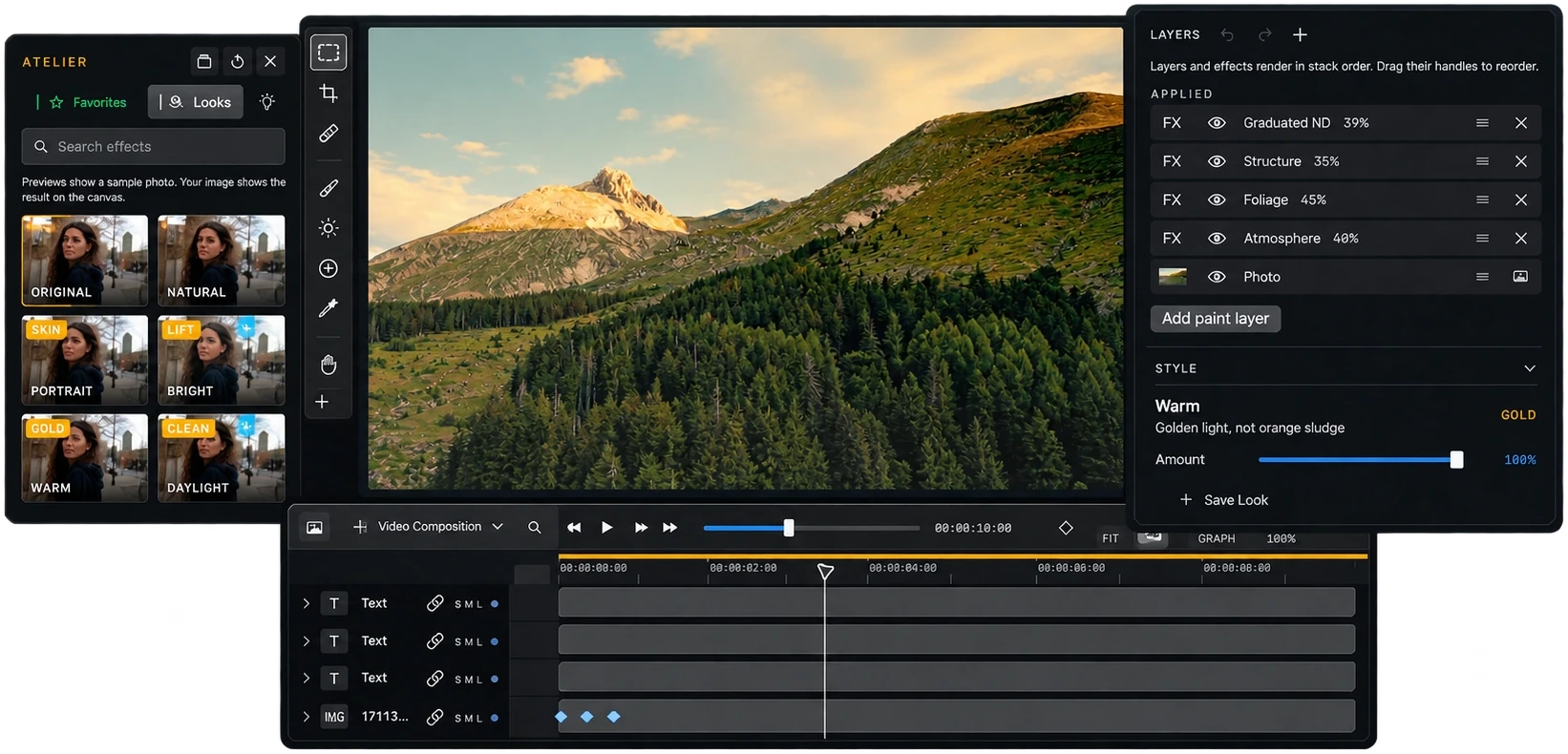
Atelier covers photo, layout, video composition and brand kits. Edit a photo with looks and layers, then animate the same composition with keyframes on a timeline, all inside the same project.
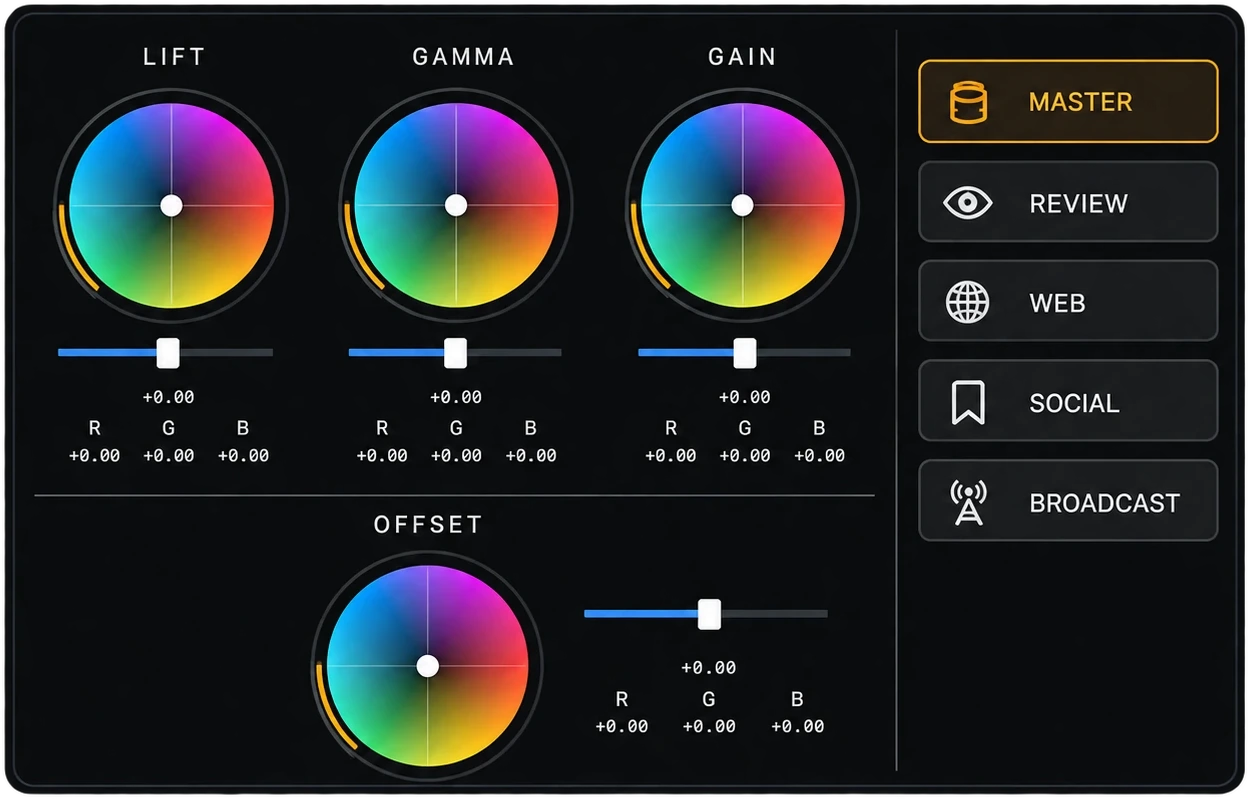
The Finisher is where you grade and deliver. Lift, gamma and gain wheels and an offset wheel sit next to the scopes, and delivery purposes (Master, Review, Web, Social and Broadcast) pick the export for where the film is going.
The download is smaller, and the rest of the app arrives as you sign in. You reach the studio sooner instead of waiting for the full install first.

Open Sound mode and the mix becomes a theater. Make a track an object, place it in the room and move it through the scene while the picture plays. Levels run live, and scene loudness is measured against your target.


Complete
$9.99
/ month
$119.88 for 12 paid months.
No annual commitment.
Creative Cloud Pro
$104.99
/ month
$1,259.88 for 12 paid months.
No annual commitment.
That is $1,140 a year less than Creative Cloud Pro.
Adobe’s figure is the US Creative Cloud Pro month-to-month price, with no yearly commitment, at $104.99 × 12. cinemaOS is $9.99 × 12. Excl. VAT. Adobe’s annual plan costs less than month-to-month.
$9.99USD / month excl. VAT
USD. Prices excl. VAT.
Teams: $8.99 USD per seat/month excl. VAT. 2 to 50 seats.
Two activated computers. Mac or Windows.