A grade in one minute
Open Finisher, check the Input LUT, shape the picture with COLOR and LIGHT and refine it with the Dial trackball, all in about a minute.
Click path
- Finisher
- Grade
- Color
- Input LUT
- COLOR
- LIGHT
- Dial trackball
Shape the shot. This tutorial runs a quick, deliberate grade in the cinemaOS Finisher: check the source, set the input correctly, shape the look with COLOR and LIGHT, then refine with the Dial trackball.
Steps
- Open the grade tools. Open Finisher, then Grade and Color. Start by checking the source and the picture you want to end up with.
- Set the Input LUT only when it matches the source. Use Input LUT when the footage needs a camera transform. The demo footage is already a finished display image, so no camera transform is assigned.
- Shape the look with COLOR and LIGHT. Make small changes and compare them against the starting image.
- Refine with the Dial trackball. Use the Dial trackball for a controlled colour adjustment. Watch the picture and the scopes together as you refine it.
- Review in motion. Play the shot. Keep the grade deliberate rather than heavy.
Notes
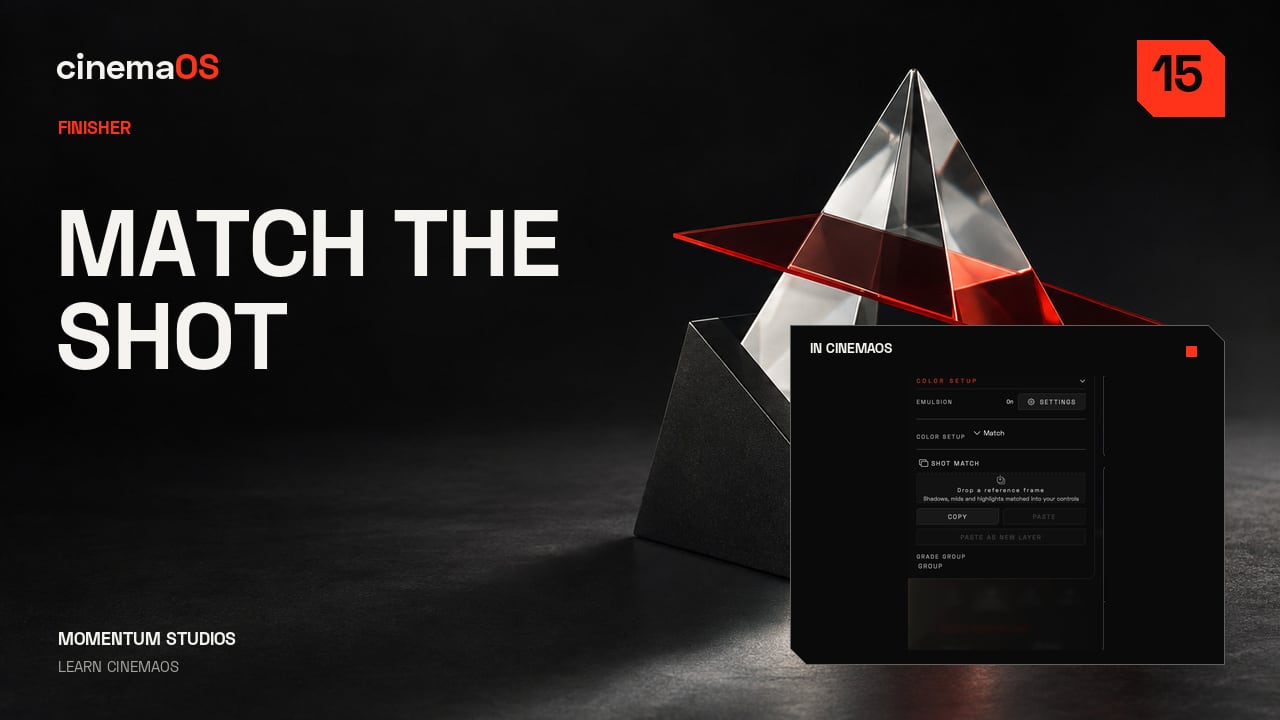
- Next, match a second shot to this one: Shot Match from a still.
Footage: Sintel, Blender Foundation, CC BY 3.0. Edited in cinemaOS for this tutorial.